What it is
MaybeUndo is an AI video editor that helps teams create product demos from screen recordings. Instead of only editing clips, it uses context to organize the message behind the video.
Edit in your own words. Turn recordings into structured demo videos using AI that understands the product story and supported editing language.
MaybeUndo is an AI video editor that helps create product demos from screen recordings. It understands audience, goal, context, and supported editing intent, then shapes the recording into a clearer product story. This is not just a faster editor. It is AI product demo software built around story and structure.
The same product story can continue into interactive demo software and AI presentation software, so your product video does not become a disconnected asset.
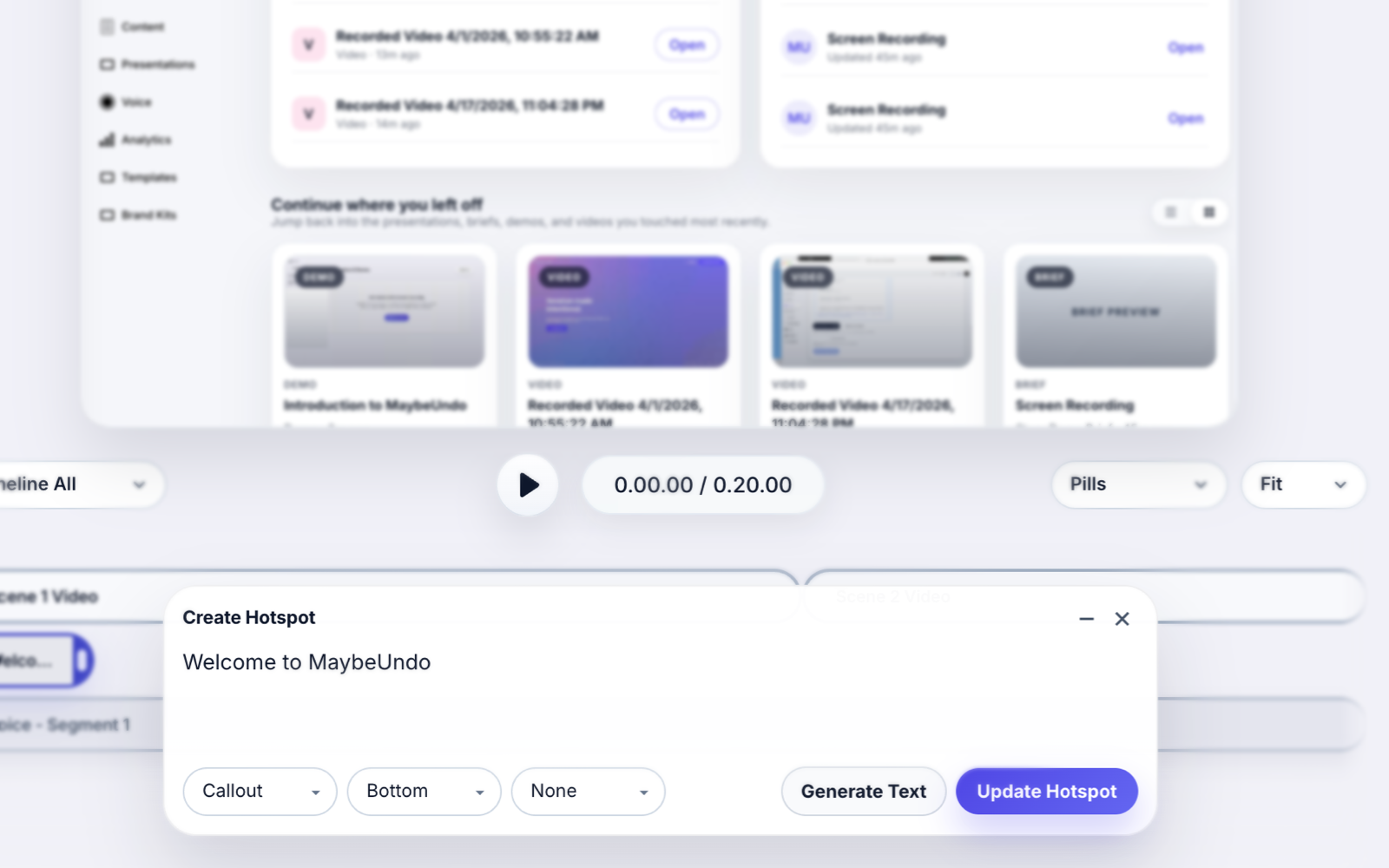
MaybeUndo is an AI video editor that helps teams create product demos from screen recordings. Instead of only editing clips, it uses context to organize the message behind the video.
Most video editors, even AI ones, still revolve around timeline editing. Modern product storytelling needs more than clip control. AI video editing should understand the story, not just the footage.
Traditional workflows mean manual trimming, manual structure, and repeated work across formats. AI video editing can reduce that work and keep demos, interactive walkthroughs, and presentations more aligned.
That workflow matters because product teams rarely need just a raw recording. They need something that is easier to follow, more aligned to the audience, and reusable across multiple surfaces.
Describe the edit you want instead of settling for a vague prompt like "make this video better." Ask for supported edit patterns such as audio overlap, entrance animation, duration, delay, easing, and sequenced timing.
Example instructions
AI video editing is stronger when it does more than produce a cleaner clip. In MaybeUndo, the same recording can turn into a product demo video, an interactive demo, or a presentation flow. That is why this page is positioned as AI product demo software, not only as an editor.
One product story. Every format. Turn one idea into demo, video, presentation, and brief.
An AI video editor for product demos uses the recording, audience, goal, and supported editing instructions to structure a clearer walkthrough. Instead of only trimming clips, it helps shape the product story and the editing flow.
Traditional video editing usually depends on manual trimming, manual structure, and repeated timeline work. AI video editing can detect key actions, highlight important moments, and respond to supported editing instructions in plain language.
Yes. In MaybeUndo, the same recording and product story structure can continue into an interactive demo or presentation, which makes the workflow more useful for product communication teams.
If you want AI to shape recordings into clearer demo videos and keep the story consistent across formats, this is the workflow. For manual editing only, go back to video editing software.