
One story.Every format.
Prompt MaybeUndo · Interactive AI Demo
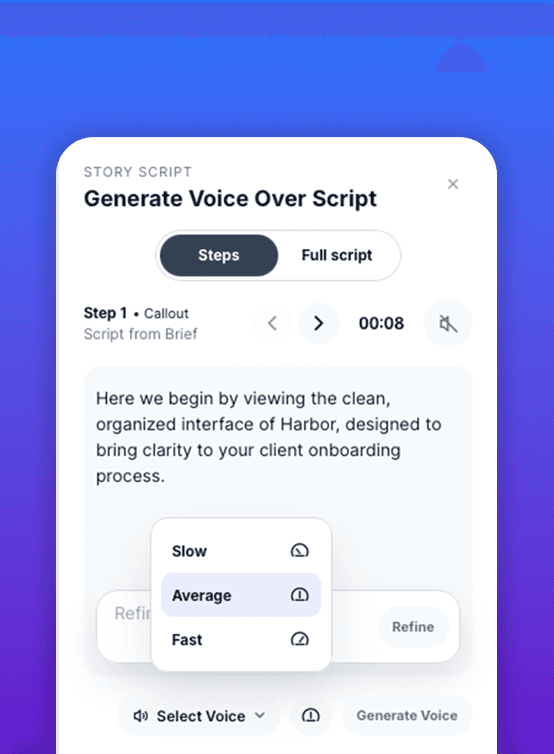
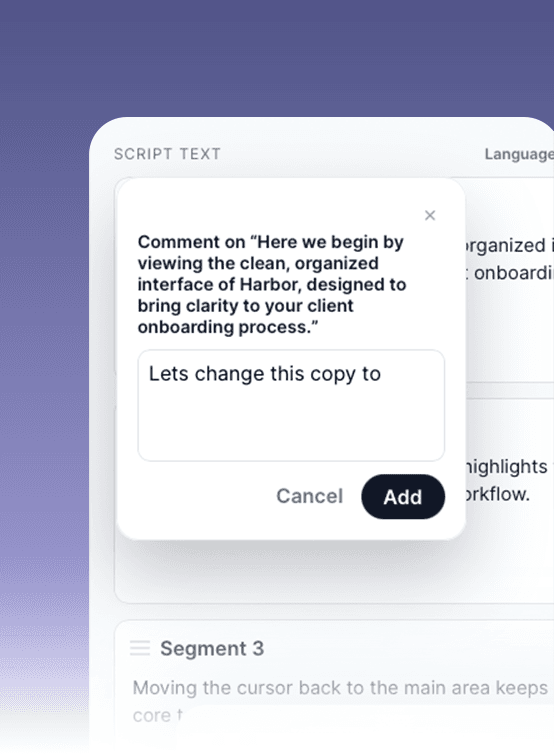
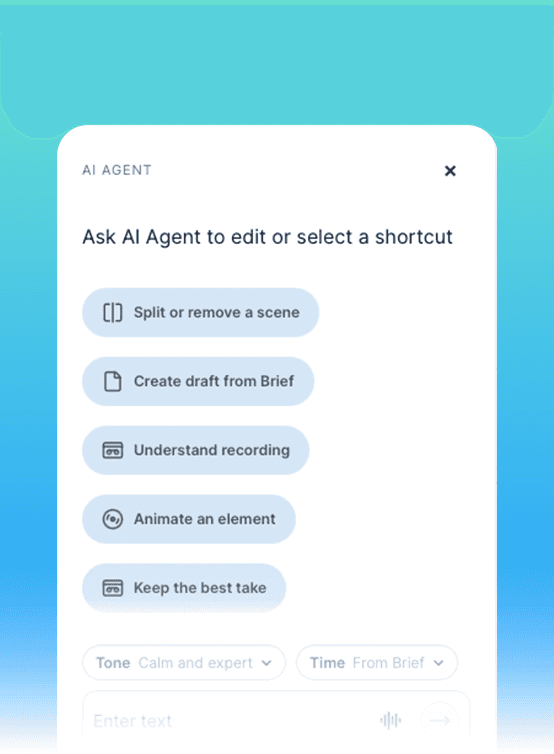
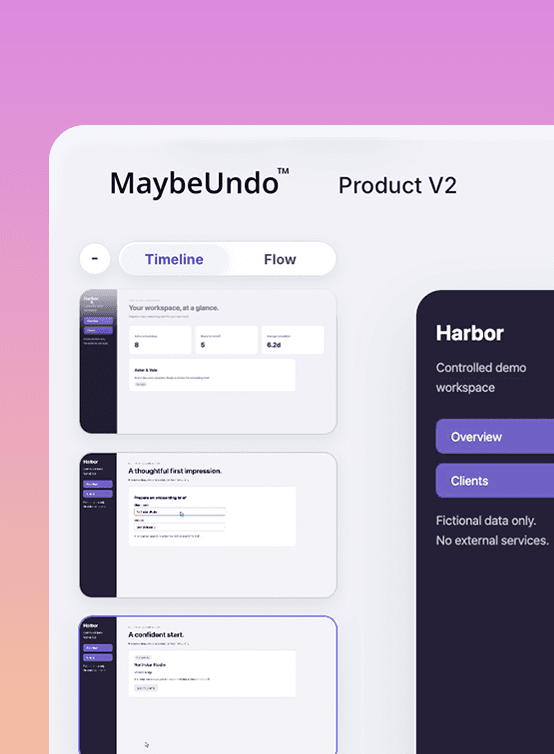
One idea in
Turn one idea into an interactive demo, product video, presentation, and follow-up brief—without rewriting the product story.
One story system
MaybeUndo's AI assistant shapes the story, demo structure, and scripts before creating every format.
Story-first AI interactive demo softwareBuilt around your product story—not just a screen recording.
Made with MaybeUndo
One product story. Four finished outputs.
Switch formats to see how the same story becomes an interactive demo, presentation, video, or visual—without rebuilding it from scratch.
01 Story02 Build03 Share
Interactive demo loading
Preparing the live MaybeUndo experience.The shift
Most product stories fall apart.
The story drifts when it lives in too many places.
Videos tell a different story
Follow-ups get rebuilt from scratch
The model
Everything starts with the story.
One product story spine keeps every output aligned.
Product story
Story AudienceStory TensionStory ProofStory CTA
How it works
Simple workflow. Sharper output.
Start with AI
Tell MaybeUndo what you need to share. It maps the audience, proof, and CTA.
Shape the story
Set the flow and choose the proof that matters.
Generate outputs
Create a demo, video, presentation, or brief from the same story.
Keep it aligned
Edit the story once to update every output.
Change the product story once. Everything updates.
Outputs
One input. Multiple outputs.
All connected to the same product story.
Create interactive demos, AI-generated videos, and presentations from one story.
Why different
Not another AI generator.
Most tools generate outputs. MaybeUndo keeps the story intact across all of them.
Most tools
Start with slidesGenerate disconnected outputsBreak when the story changes
MaybeUndo
Starts with the product storyKeeps everything alignedUpdates formats from one source
FAQ
What teams ask before they start.
What is MaybeUndo and how is it different from demo or presentation tools?
MaybeUndo is a story system for product communication. It helps teams define a shared product story and generate demos, videos, presentations, and briefs from that same structure.
What is a product story?
It is the product story behind the output. It defines audience, message, proof, and flow before the final assets are shared.
Who is MaybeUndo for?
Teams that need one product story to stay consistent across demos, videos, presentations, and follow-up materials.
Related pages
Explore the connected parts of the workflow.
Move from the homepage into the core pages and supporting guides without losing the topic cluster.
AI demo assistantPrompt MaybeUndo by text or voice before the asset is createdCreate Present LiveTalk through the presentation while the slide structure catches upStory systemWhy the story spine mattersInteractive demosTurn product flows into guided walkthroughsVoiceCapture audio and turn it into reusable contentAI presentationsCreate presentations without losing product story controlGuideHow to create interactive AI demos with the Chrome extensionPresalesPresales resources for buyer-facing demo teams
Ready to try it
Start with the story. Then turn it into everything else.
Use one prompt to create a story your team can keep intact across every format.