1
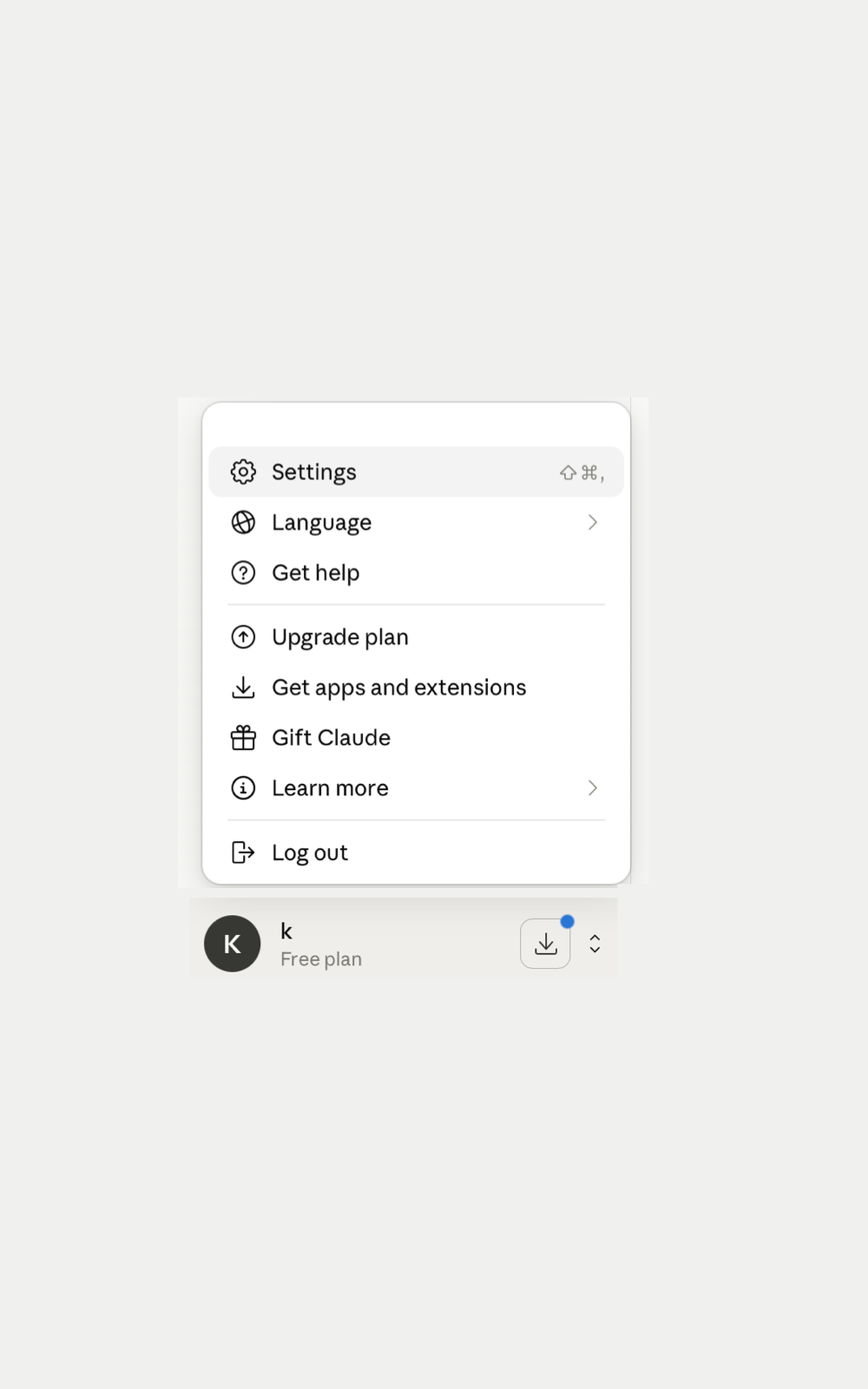
Open Claude Desktop settings
Open Claude Desktop and go to the settings page. This is where you manage connectors and account-level integrations.
Setup guide
Connect Claude Desktop to the MaybeUndo MCP server so Claude can work with your Story Demo Briefs, scripts, AI demos, and core assets from real product context.
Connect Claude Desktop to MaybeUndo MCP.
https://api.maybeundo.com/api/mcp.Open Claude Desktop and go to the settings page. This is where you manage connectors and account-level integrations.
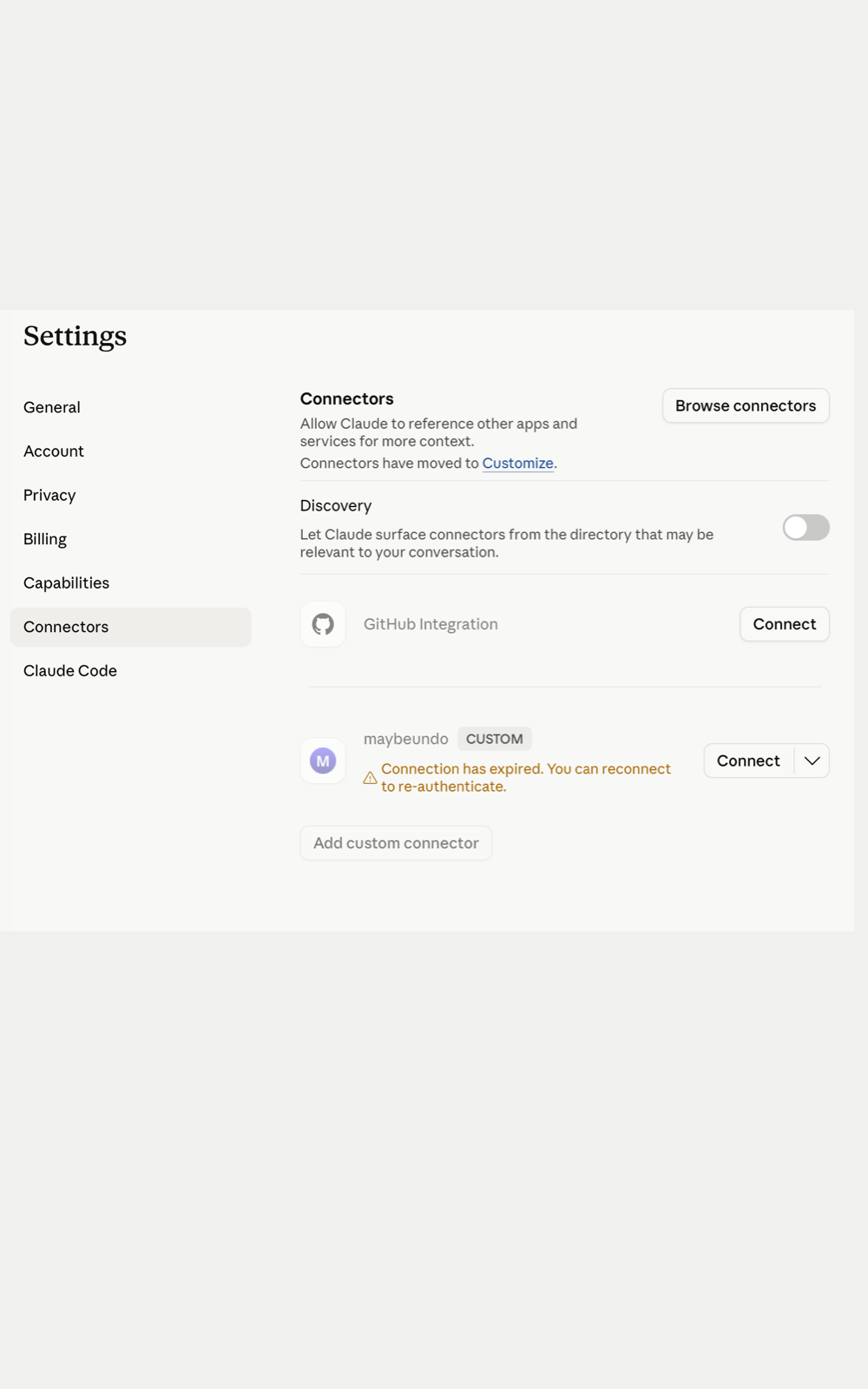
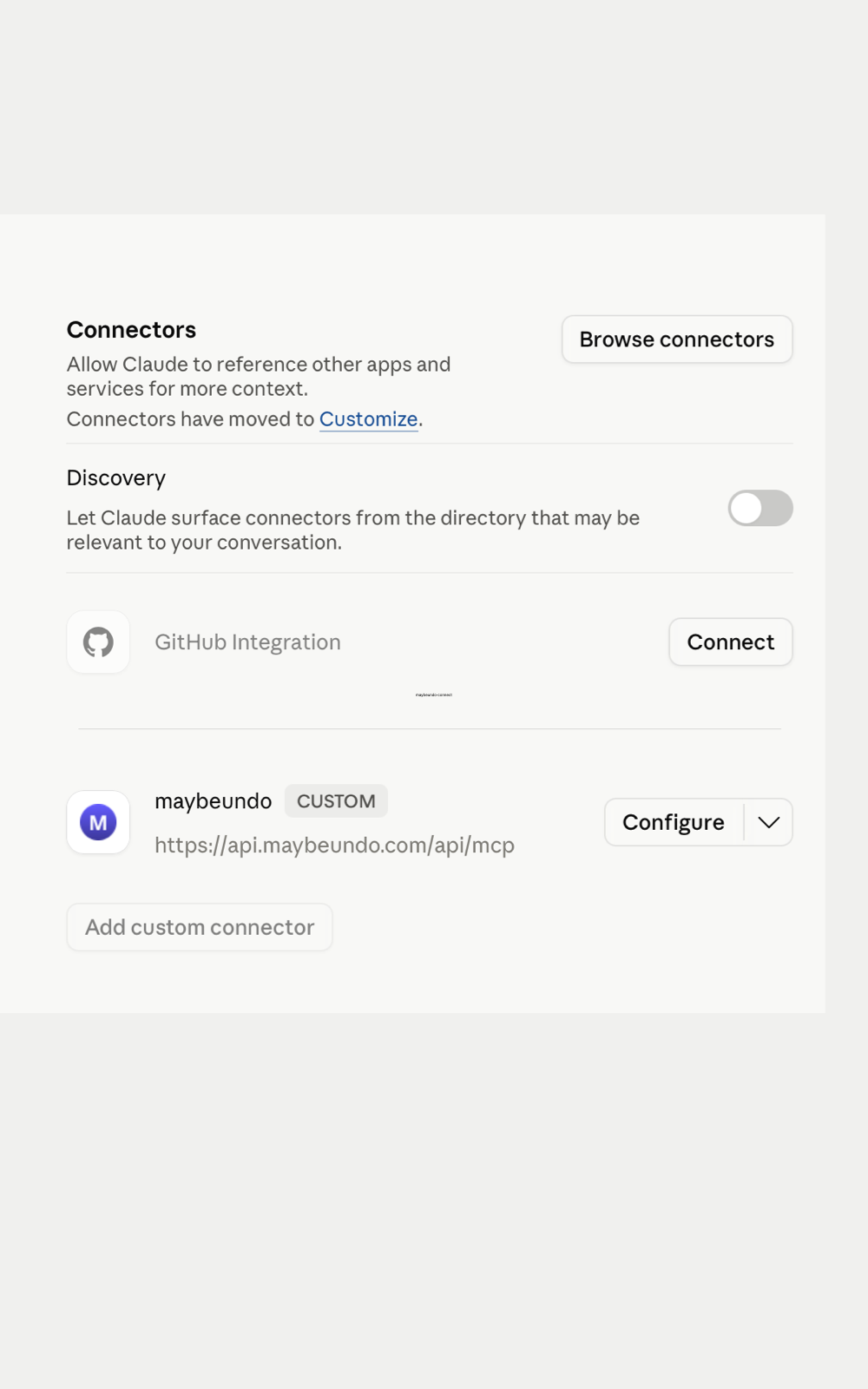
Choose the option to add a custom connector and enter this endpoint: https://api.maybeundo.com/api/mcp. This starts the connection flow for the MaybeUndo MCP server.
Claude opens a browser page asking you to approve the connector. Review the request and continue to authentication.
Sign in with your MaybeUndo account and confirm the connection. This links Claude Desktop to your MaybeUndo workspace through the approved connector scopes.
Go back to Claude Desktop and start with a simple request. Ask Claude to create a Story Demo Brief, inspect an existing brief, or generate a demo script from a brief you already have.
No. You sign in with the same MaybeUndo account you use on the web.
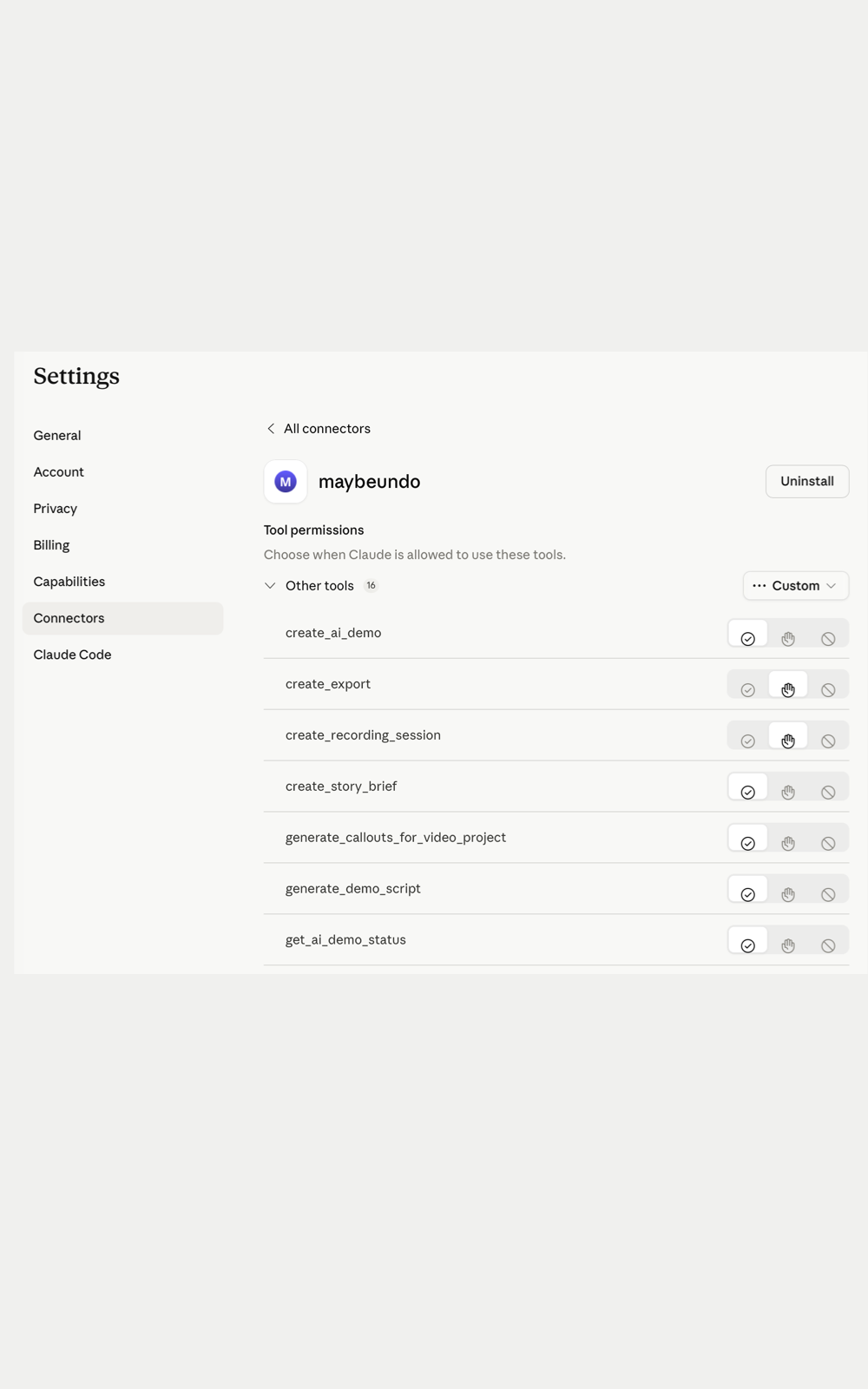
Claude only gets access through the connector scopes you approve. The goal is to let Claude work with Story Demo Briefs, scripts, AI demos, and core assets without bypassing MaybeUndo permissions.
Yes. You can disconnect the Claude integration later from your account or integration settings when that control is available.