How it works
- Open any webpage or product.
- Click Capture Assets.
- The extension extracts visuals and context.
- Everything links to your Story Demo Brief instantly.
No manual organization. No lost intent.
Turn real product interactions into structured inputs for your Story Demo Brief. No screenshots folder. No rebuilding context later.
Capture Assets, link them instantly to your Story Demo Brief, and use the same inputs across every output. This is not just asset collection. It is context capture for product communication.
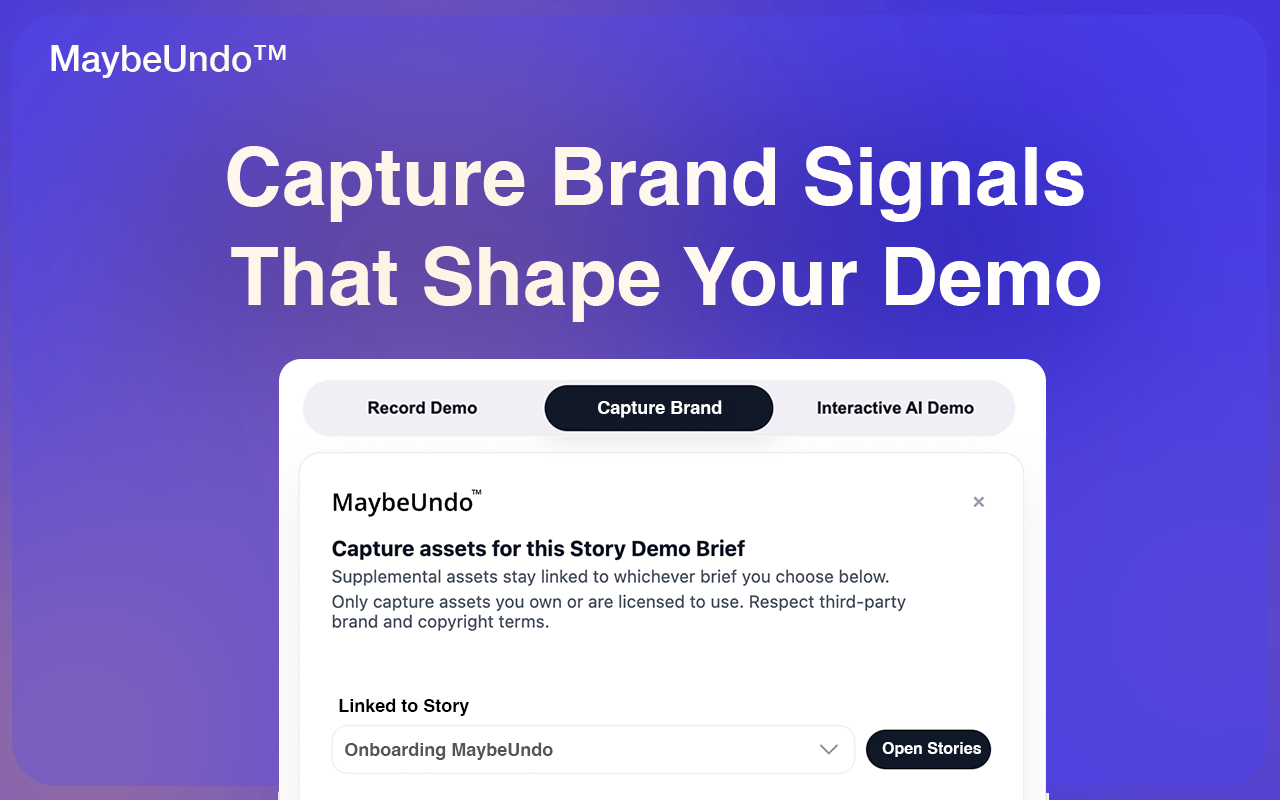
You see something important in a product, screenshot it, copy colors and UI patterns, lose where it came from, and rebuild the story later. The story breaks before you even start.
Stop collecting assets. Start capturing context.
With MaybeUndo, every capture is tied to a Story Demo Brief from the start: who it is for, what you are trying to communicate, and how it should feel. That is how nothing drifts.
No manual organization. No lost intent.
This is not just assets. It is story-ready input.
Every capture feeds directly into your Story Demo Brief. It lives inside your Brand Kit, inherits audience, goal, and context, and becomes usable across outputs immediately.
You are not saving files. You are building a system of truth.
Once captured, everything flows into one system. One capture. Every format.
Most teams do not lose time creating content. They lose time recreating the same story in different places. Capture Story fixes that by making the capture itself usable across the rest of the MaybeUndo workflow from the first step.
Capture Story is a Chrome Extension feature that turns real pages and interactions into structured Story Demo Brief inputs instead of leaving them as disconnected screenshots or files.
It can capture screens, UI elements, colors, visual styles, layout, interaction moments, and page-level context so the captured material is useful for story creation immediately.
Screenshots often lose source, intent, and story meaning. Context capture keeps the material tied to audience, goal, and narrative so teams do not need to rebuild the story later.
Capture once. Keep the story intact across everything you create.